
I do not think using a download manager is worth it. I notice no speed or performance improvement compared to the standard, built-in downloader in a browser. Many people say the main advantage of a download manager is the ability to resume downloads. However, resuming a download requires effort. You have to refresh the mirrors and find a working link. In many cases, you have to download the file completely from the beginning if the link expires.
Speed comparison and browser limitations
I compared a download manager with a built-in browser downloader, and the speed is identical. People claim that using a download manager increases your download speed, but that is not true in my experience. Both tools perform very similarly. The parallel downloads feature does not help much. Furthermore, you can enable parallel downloads in many Chromium browsers by using flags. If you still use a download manager for speed alone, you should reconsider your choice.
The only downside to using a built-in downloader is that it handles large files poorly. Downloading a file larger than 10 GB is highly inconvenient because you cannot pause your current session or let your device go to sleep mode. You must leave your computer running until the download finishes. Because of these limitations, I use a torrent client for large files.
The extension problem
Another issue with download managers is the requirement to install a browser extension. This requirement does not bother you if the extension works well. However, extensions often fail. For example, the AB Download Manager extension cannot catch download links from Pixeldrain. When you click the download button, the download manager menu does not pop up. This issue has existed for a long time.
Open source torrenting
The better approach for large files is torrenting. Torrenting is safer, offers much larger catalogs, and features links that do not expire unless you search for a very obscure file without seeders. Torrents simply work out of the box.
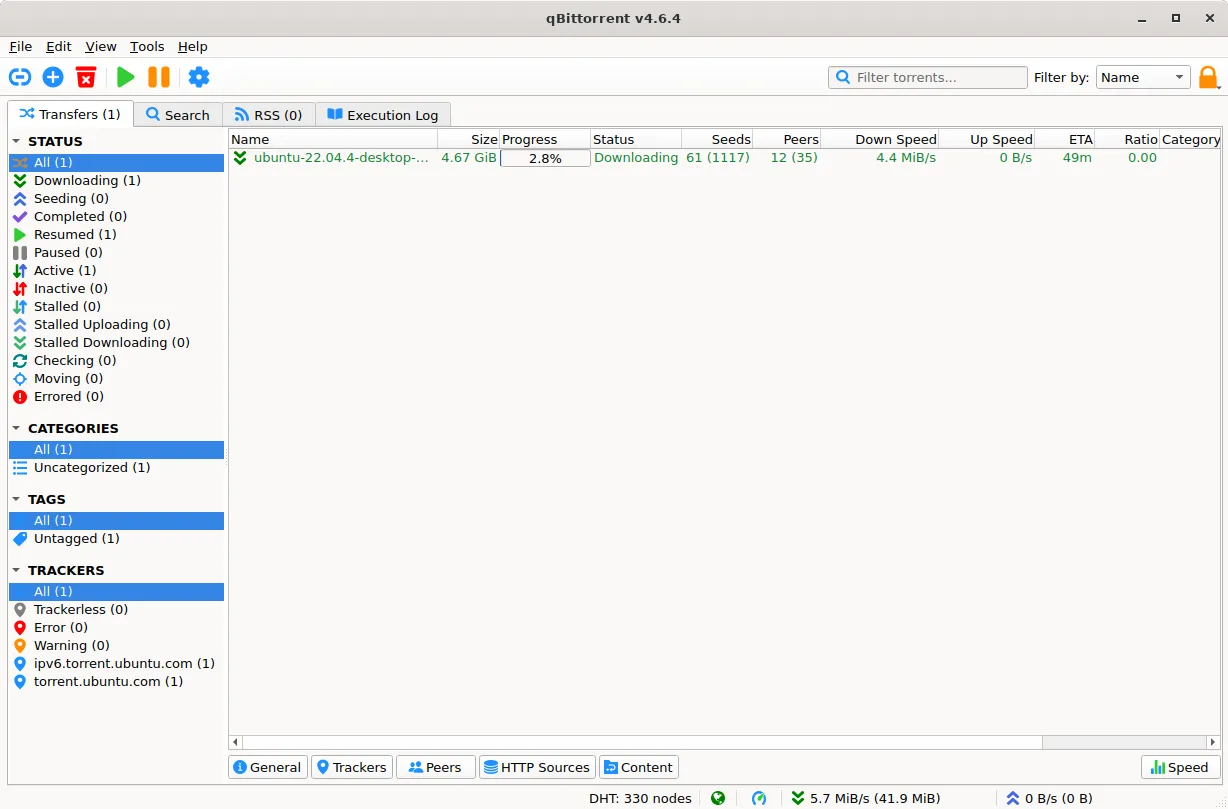
You can pick any reputable torrent client for large files. Open source clients like qBittorrent, Deluge, and Transmission work well. Please avoid using μTorrent. The interface contains too many advertisements, and the parent company bundles it with bloatware. I use qBittorrent because my research shows it is the most reliable and highly recommended client.
Conclusion and recommendation
Built-in browser downloaders are completely sufficient for your everyday files. If you need to download massive files, skip the download manager entirely and use an open source torrent client instead. This setup keeps your system clean and handles all your downloading needs.